Get the App
Install 24.7PraiseRadio
There's no store download needed. 24.7PraiseRadio installs straight from your browser and works on every device — iPhone, iPad, Android, Windows, Mac, and Chromebook.
Preview
One station, every screen
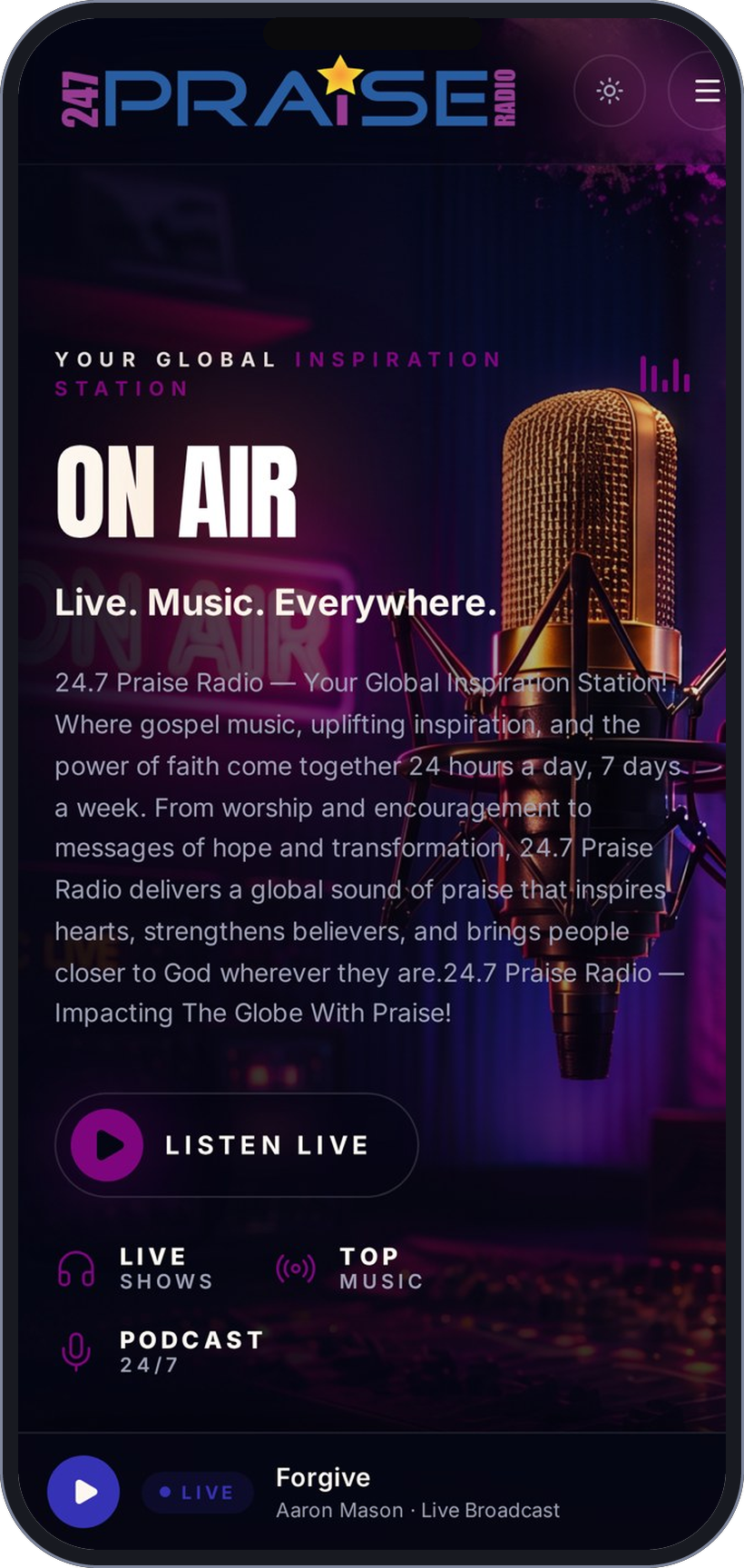
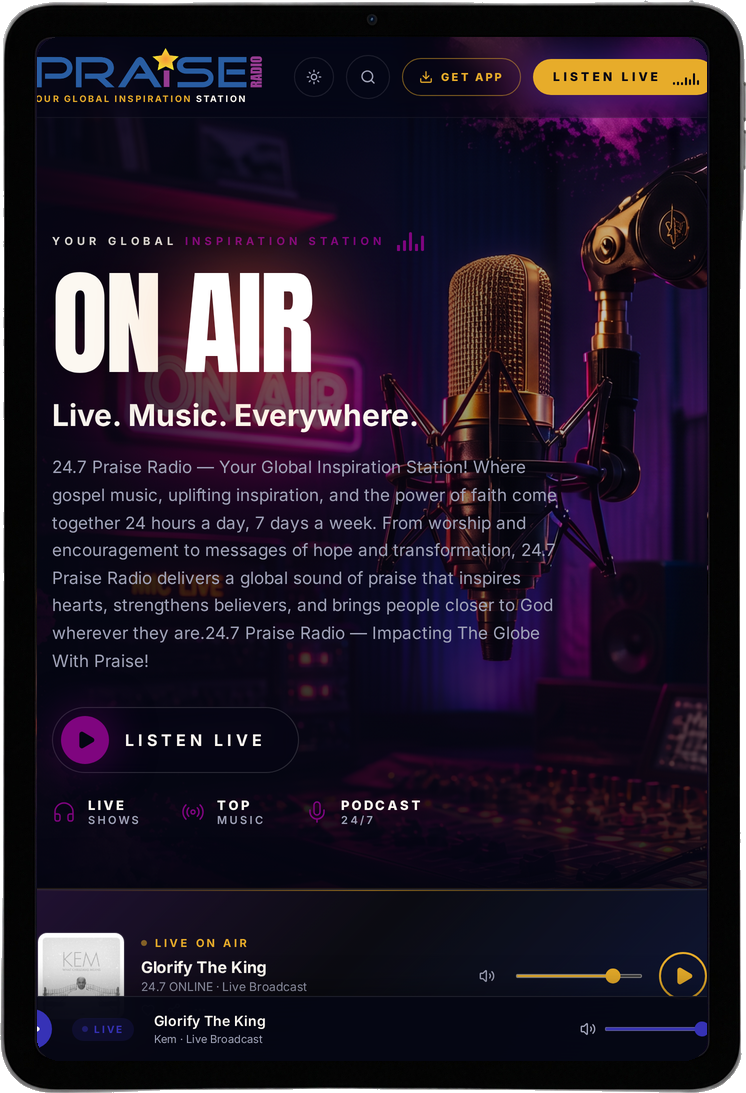
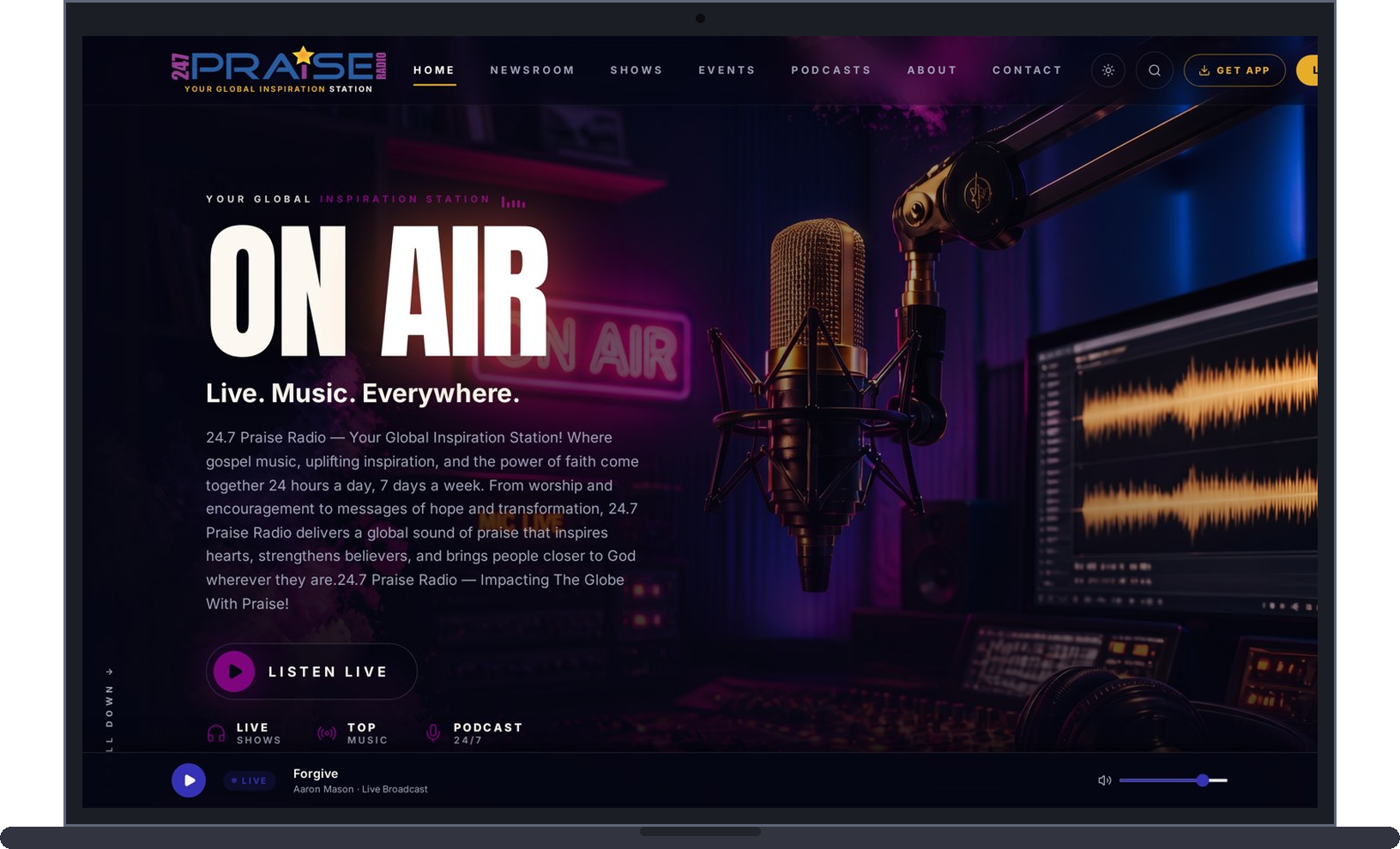
Single-column layout with the live player docked at the bottom.
Inside the app
What the app does
Everything on 24.7PraiseRadio travels with you — the live stream keeps playing while you move between any of these.
Live stations
Praise & Worship Reflection, Contemporary, Traditional and Faith Talk — switch stations without losing your place.
Open the player →Recently played
See the last six tracks with cover art, so you never miss the name of a song that moved you.
See what's playing →The Newsroom
Gospel, community, politics and culture reporting from The Praise Reporter, with comments on every story.
Read the Newsroom →Podcasts
Browse teaching, community, business, finance and culture shows by category.
Browse podcasts →Church directory
Find a church near you — or list your ministry so the community can find you.
Open the directory →Submit your music
Gospel artists can send songs for review and possible rotation on the station.
Send your music →Give & partner
Support the station's mission securely, or advertise to a global worship audience.
Give today →About & team
Meet the hosts and staff behind the microphone and read our vision and mission.
Meet the team →Why install the app
One-tap live worship
The stream starts the moment you open the icon — no browser, no searching.
Faster than the website
The app keeps its shell cached, so it loads instantly even on slow data.
Show & news alerts
Know when a favorite show goes live or breaking news drops in the Newsroom.
Keeps its place
Playback survives screen locks and app switching so praise keeps flowing.
Safe & free
No app store account, no payment, no tracking software — installs straight from your browser.
Everything in one place
Stations, podcasts, newsroom, prayer, donations and the church directory.
Install in under a minute
iPhone & iPad
- 1Open 247praiseradio.co in Safari
- 2Tap the Share button at the bottom
- 3Choose "Add to Home Screen"
- 4Tap "Add" — the app icon appears on your home screen
Android
- 1Open 247praiseradio.co in Chrome
- 2Tap "Install app" when it appears, or open the ⋮ menu
- 3Choose "Install app" / "Add to Home screen"
- 4Confirm — the app installs like any other
Windows, Mac & Chromebook
- 1Open 247praiseradio.co in Chrome or Edge
- 2Click the install icon in the address bar
- 3Click "Install"
- 4The station opens in its own window
Questions, answered
- Is it a real app?
- Yes — it installs its own icon and opens in a full-screen window, just without the app store middleman.
- Does it cost anything?
- No. 24.7PraiseRadio is free to install and free to listen, supported by our partners and donors.
- How much space does it use?
- Just a few megabytes — far less than a store-downloaded radio app.
- How do I remove it?
- Press and hold the icon and choose Remove/Uninstall, exactly like any other app.